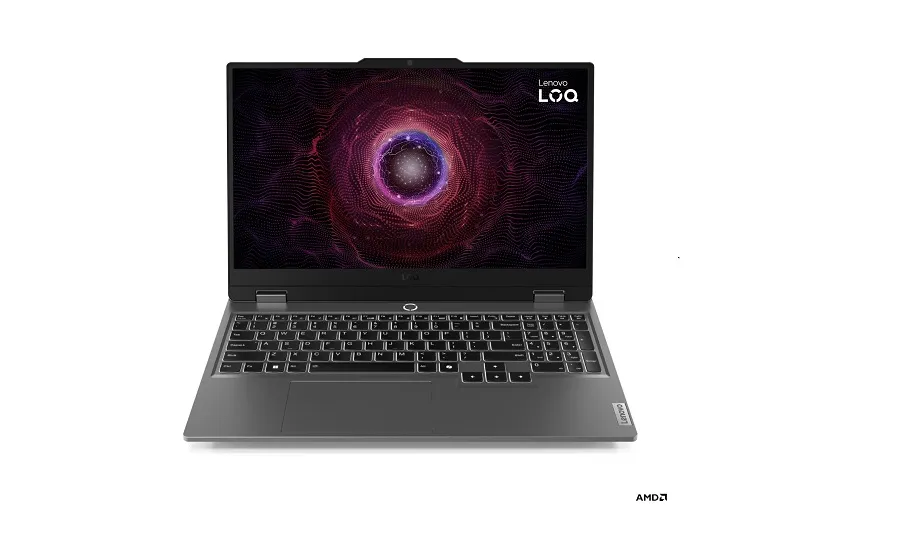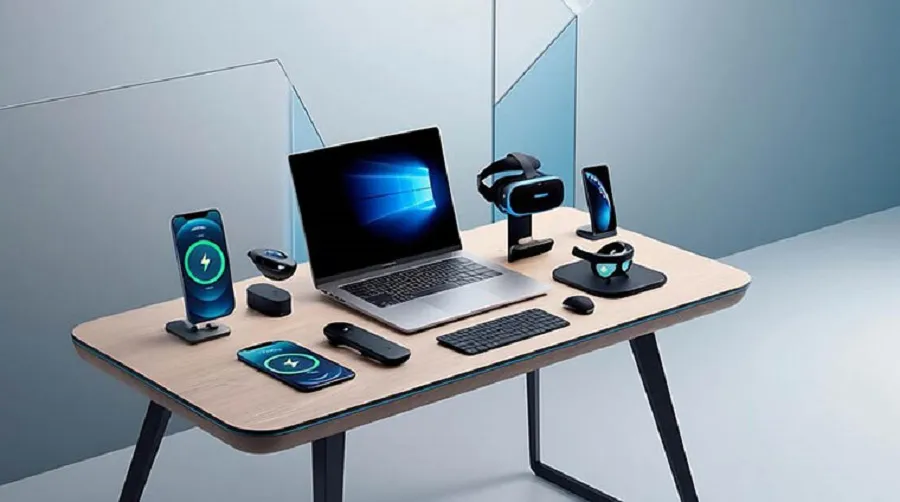
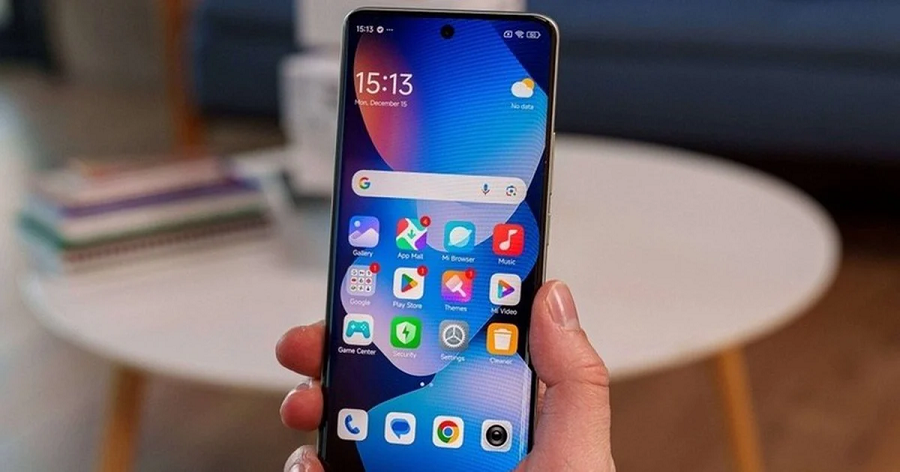
Like used cars, the market for used or second-hand electronic products is also very strong. According to the data of a research institute named ‘Global Market Insights’, this year the size of this market can reach about 15 thousand 3 billion dollars. And with the price of game consoles, smartphones and computers rising due to computer memory shortages around the world, used electronic products are becoming more attractive to buyers looking to work with older devices on a budget.


But even if there is an opportunity to get good products at a low price, there are some risks in such purchases. So it is important to keep a few things in mind before buying used technology products.
Check carefully before buying
Old and used devices are available at very low prices on platforms like Facebook Marketplace. Sometimes there are even posts for sale at half price. So before buying these devices, it should be checked whether it is working properly or not. Also check whether the device is locked with a password or corporate management software. For this the entire setup process can be seen in front of the seller. Running the app on the device and checking the speaker and power button can also be checked.
Avoid buying some products in used condition
While old devices can be bought at low prices, not all tech products should be bought used. According to experts at consumer rights organization US PIRG, caution should also be exercised when buying large televisions, long-used printers and second-hand smartwatches. Various parts of these products deteriorate rapidly over time. TV screens are usually quite large and fragile, printers wear out over time, and smart watches or bands can be damaged by other people’s sweat.
Don’t even buy refurbished AirPods or earbuds. Sometimes the earbuds can be linked to the previous owner’s account even after the sale. As a result, the ‘Find My’ software feature for finding lost AirPods does not work properly.
Be careful with seller verification
Preference should be given to known companies in buying used products at low prices. Refurbished products are available from many companies like Amazon, but check to see if they all have a return policy. If there is no return policy, it is better not to buy the product. Usually such facilities are available from large and established vendors. Therefore, the seller’s product return policy and after-sales service should be considered seriously while buying used technology products.
According to the US PIRG Buying Guidelines for Refurbished Products, many reputable sellers of refurbished products such as ‘Back Market’ and ‘VIP Outlet’ have very good return policies. However, the safest way to reduce the risk of buying a defective product is to buy the refurbished version directly from the company that manufactured the product. Refurbished products can also be purchased from Apple’s own web store.
Check how long the product will last
The most important question when buying a used technology product is how long the device can be used for.
Technology has a limited lifespan. At some point, manufacturers stop providing software updates. Battery performance decreases. If a part breaks, it can also be expensive to repair. Some devices are also quite difficult to repair if parts like the screen are broken.
Currently, Apple, Samsung and Google provide software support for their smartphones for about seven years. Therefore, experts suggest that in buying a used phone or laptop, it is better not to buy a device that is more than two years old. It has the possibility of at least five more years of software updates.
Also, the cost and process of battery replacement should be inquired in advance. This is because the long-term usability of used technology products largely depends on the condition of the battery.
According to tech experts, checking the age of the device, software support, battery condition and seller’s credibility before buying can help you buy good quality used tech products at low cost. Also, unexpected risks can be avoided to a large extent.
Share this news as a Photo Card
Generating high-quality image, please wait…